AI image to prompt, built for client work

Any image, decoded.
Every format, delivered.

Geno is an AI image to prompt generator that reverse-engineers any reference image into a structured, editable image prompt — as full text, assembled, or JSON. So you match the style on the first try, not the 31st. Then generate images from it, crop to every social post and ad creative size, and keep the whole library tagged and searchable.

Sign in with Google · No card required

  • Analyse96 dynamically added attributes
  • PromptsFull text, assembled or JSON
  • GenerateWith best or popular image models
  • ReferenceAdd up to 16 images to image generation
  • CropFor social media posts or make full IAB ad set
  • OrganiseTagged, searchable prompt and image library

One workspace for the whole process — image analysis, image generation, editing, ad and social creatives, and the library that keeps them.

The proof

Decoded, then regenerated.

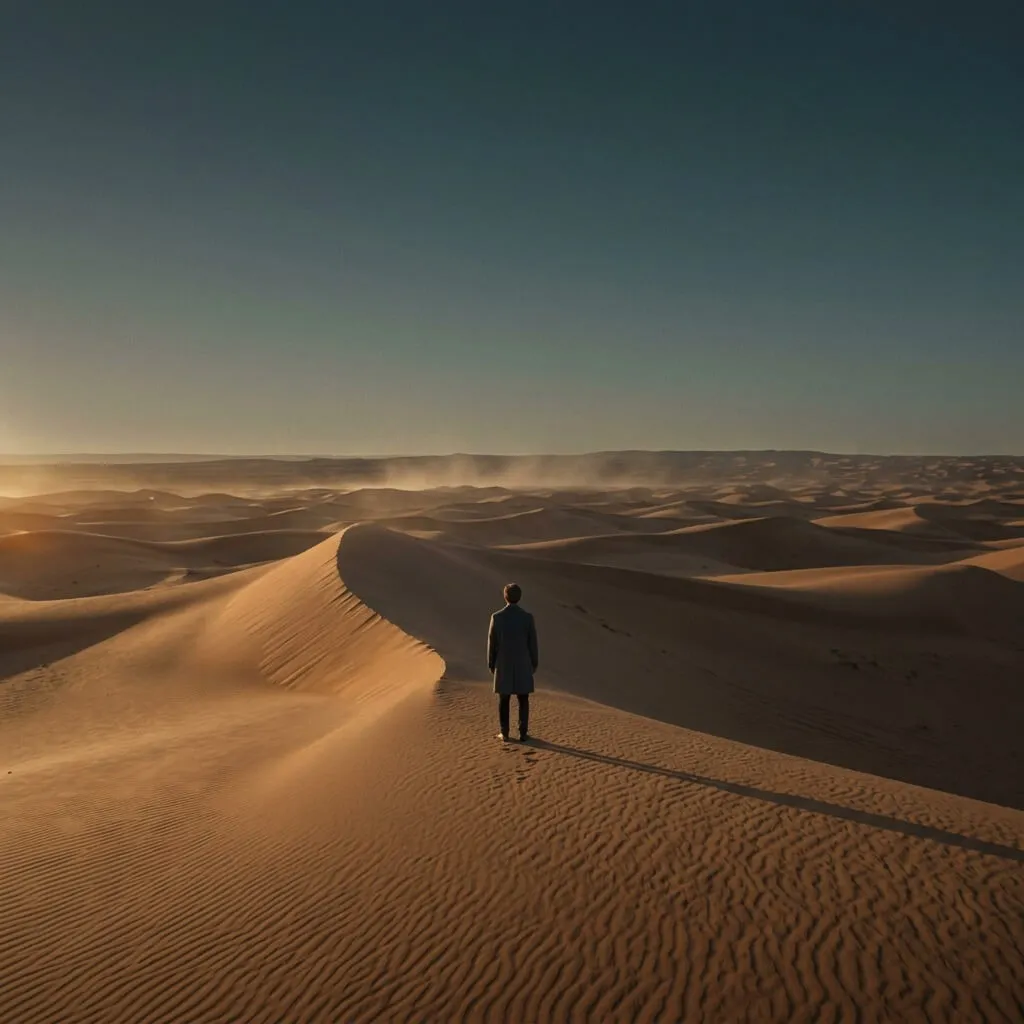
Reference photo: a lone coated figure standing on a desert dune ridge at golden hour, seen from behind
Reference · Cinematic
Subject
lone charcoal-coated figure on a dune ridge, back to camera
Lighting
low raking golden-hour sun ~3200K, long soft shadows, dust haze
Composition
extreme wide, subject lower-third, deep negative space
Palette
burnt amber & ochre vs desaturated teal-slate sky
Medium
40mm anamorphic, Vision3 500T, fine grain, halation
Mood
solitary, monumental, quietly awe-struck
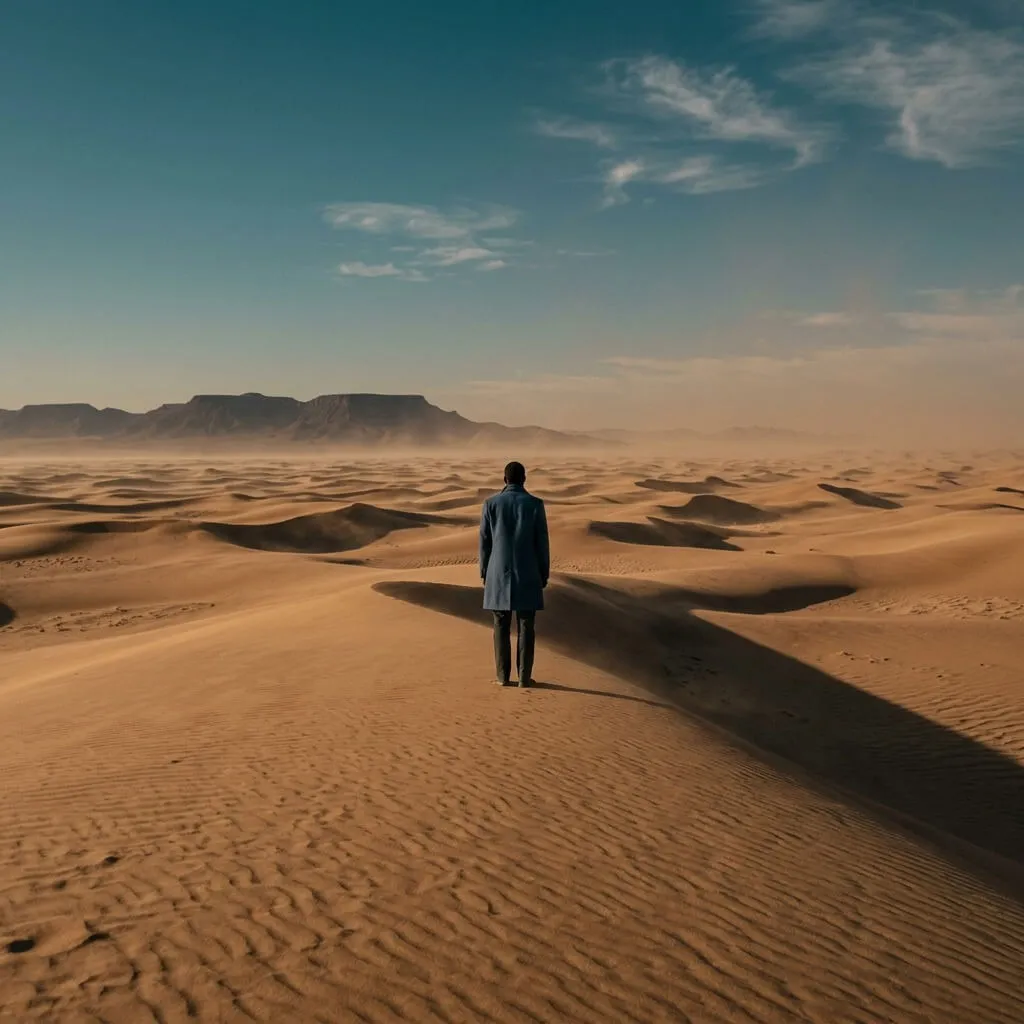
Image generated from the decoded prompt: the same cinematic dune scene, matched lighting and paletteGenerated from prompt
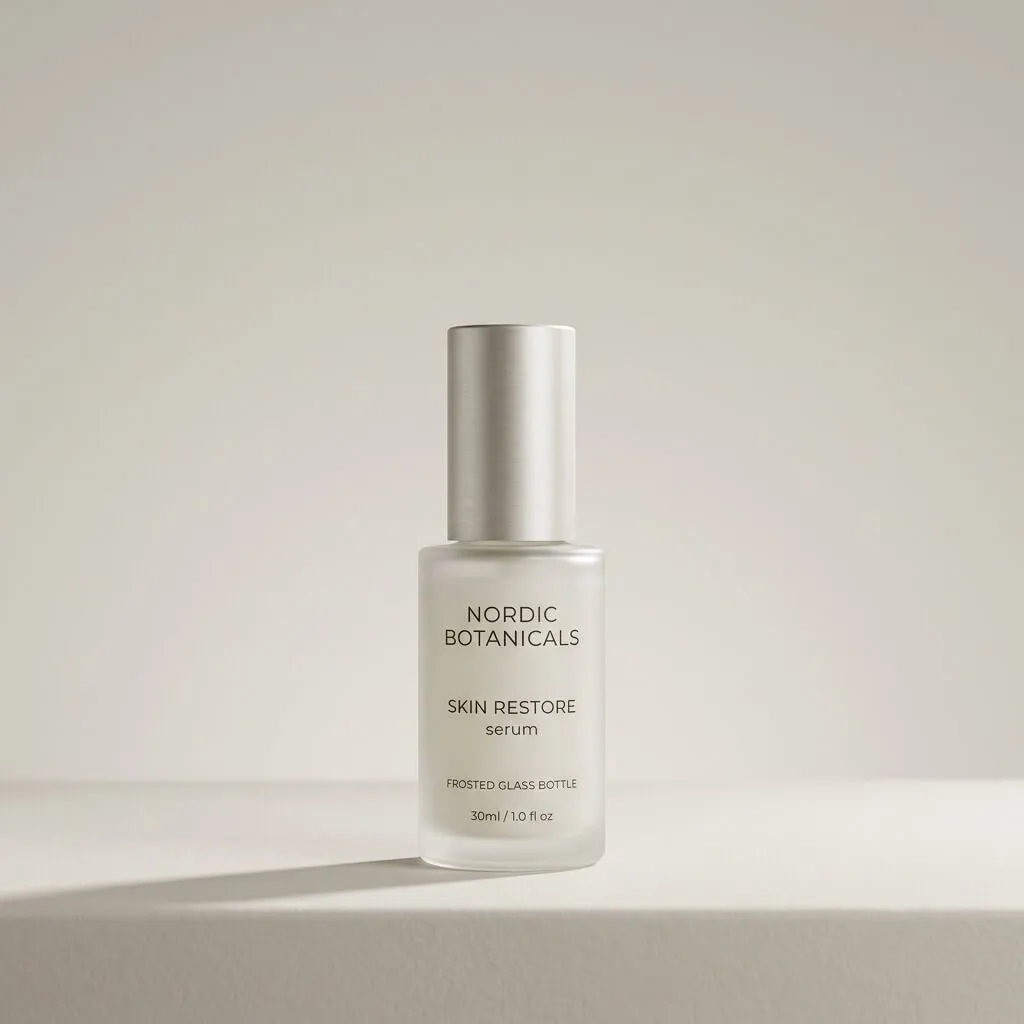
Reference photo: a frosted glass serum bottle with a brushed aluminium cap on a seamless studio background
Reference · Product
Subject
single frosted-glass bottle, brushed aluminium cap, centred
Lighting
soft key camera-right, subtle fill, clean rim ~5000K
Composition
centred, symmetrical, vast calm negative space
Palette
warm off-white, oatmeal, pale greige, cool shadow
Medium
120mm macro-telephoto, f/8, seamless studio
Mood
calm, precise, quietly luxurious
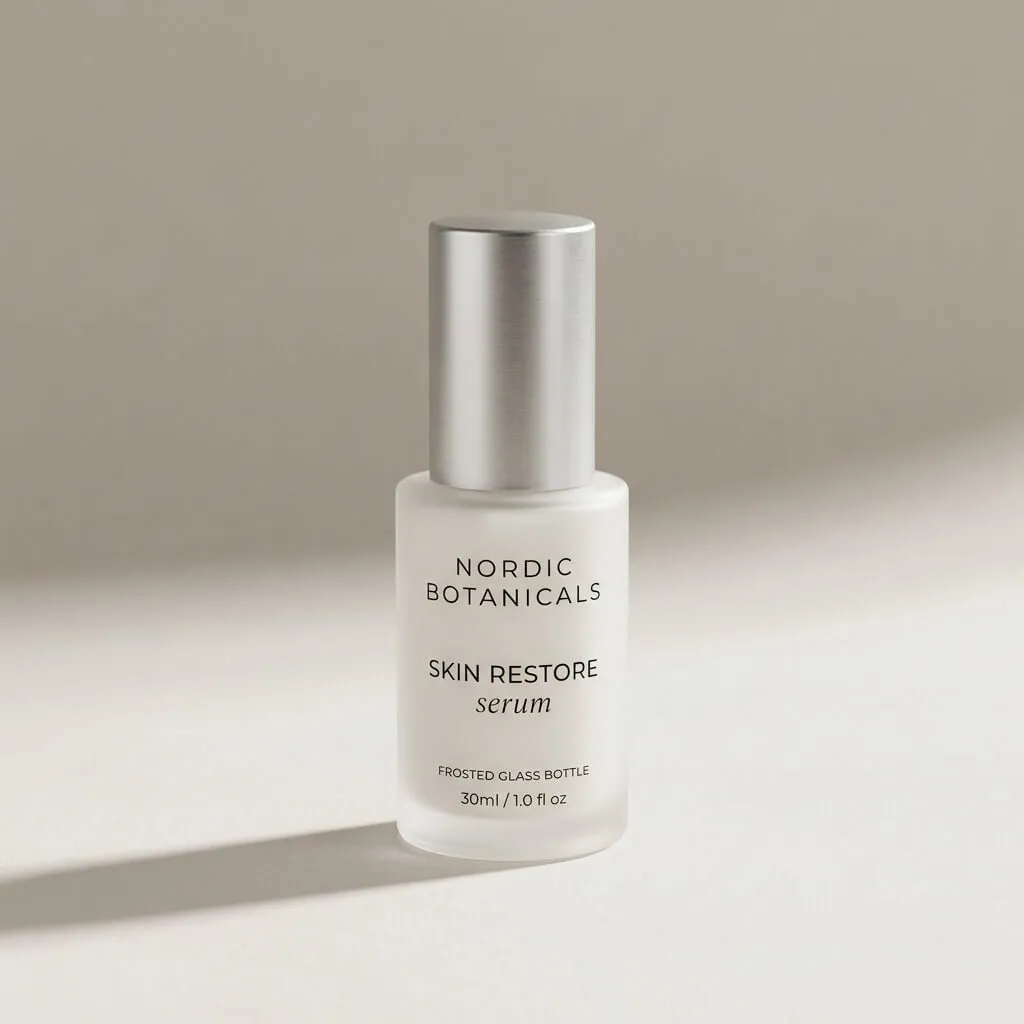
Image generated from the decoded prompt: the same product shot, matched soft key light and calm negative spaceGenerated from prompt
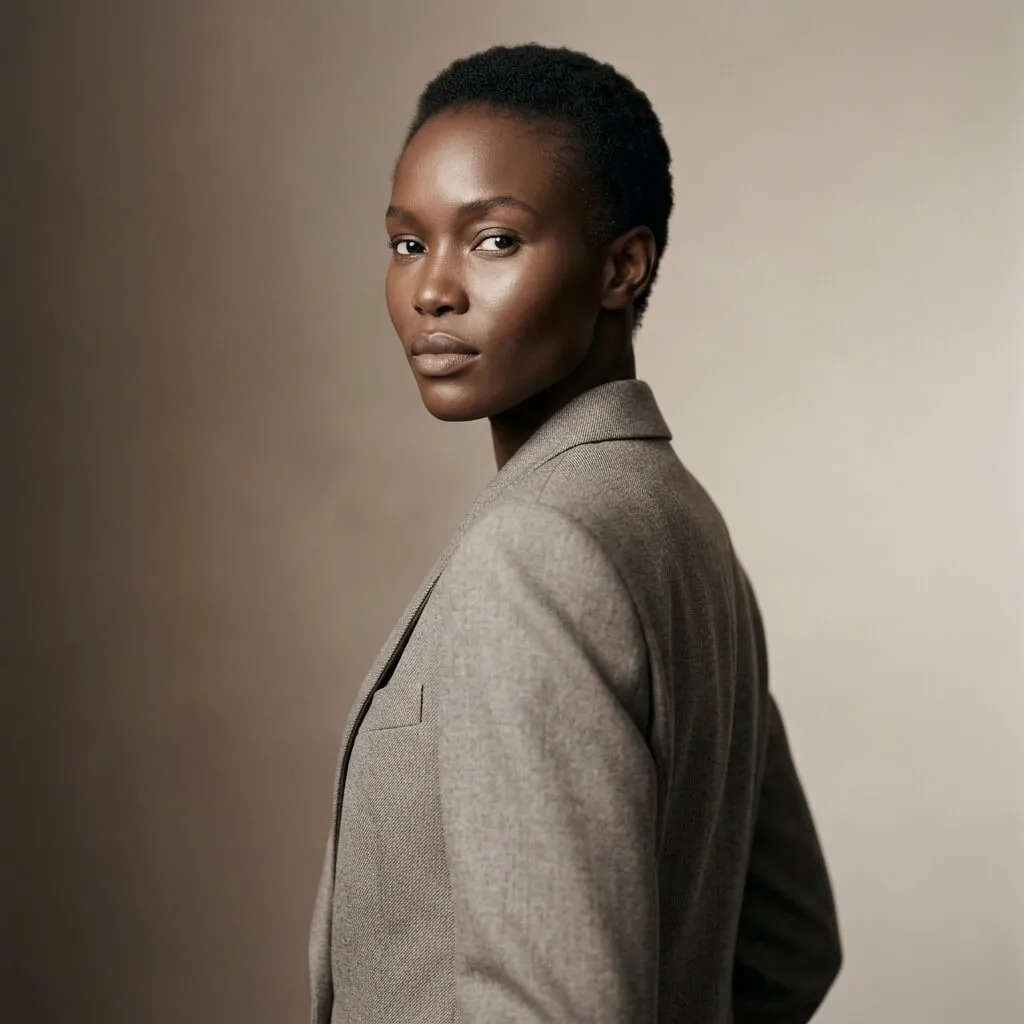
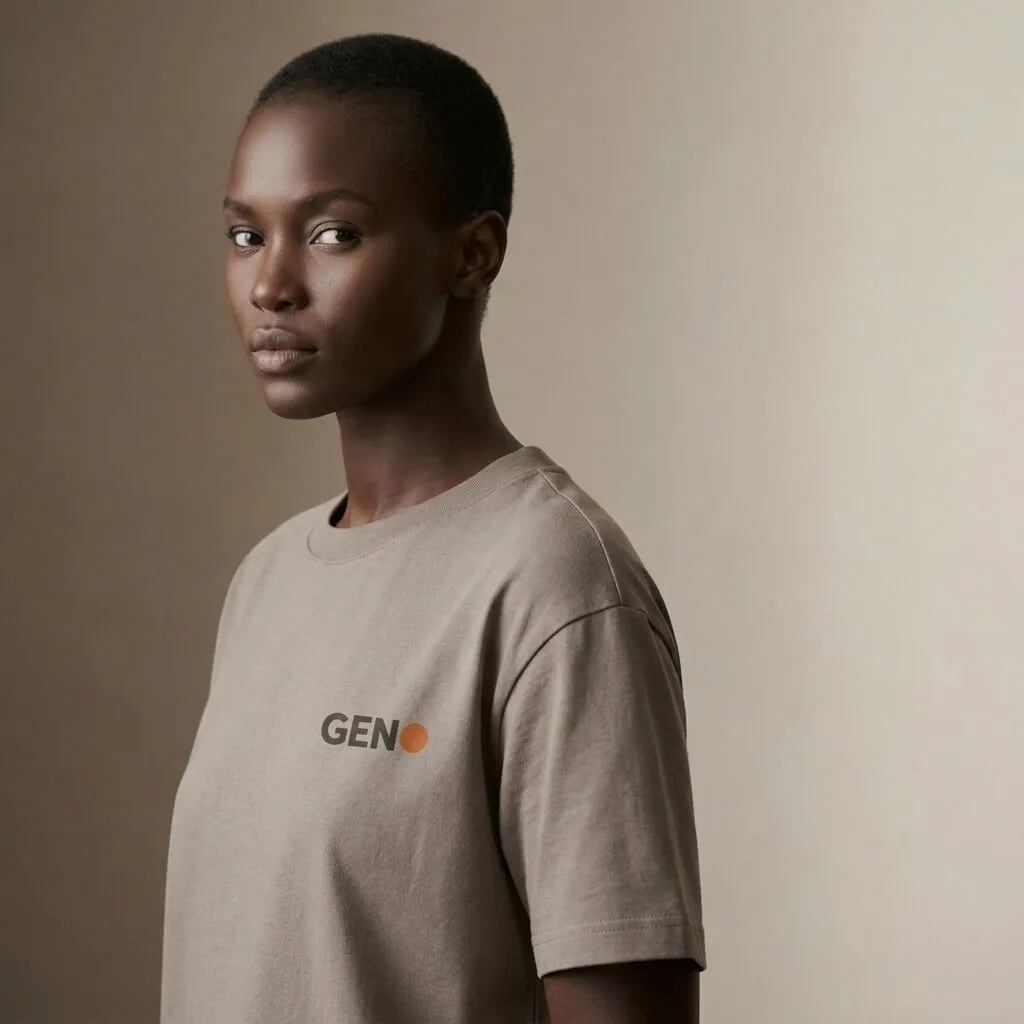
Reference photo: a model in a sculptural stone-wool garment, tight three-quarter portrait
Reference · Fashion
Subject
model in sculptural tailored stone-wool garment, three-quarter turn
Lighting
high octabox camera-left, crisp falloff, rim separation ~5200K
Composition
tight portrait, off-centre thirds, chin lifted
Palette
warm neutrals, deep espresso shadow, luminous skin
Medium
100mm short-tele, f/5.6, medium-format Hasselblad
Mood
poised, powerful, timeless
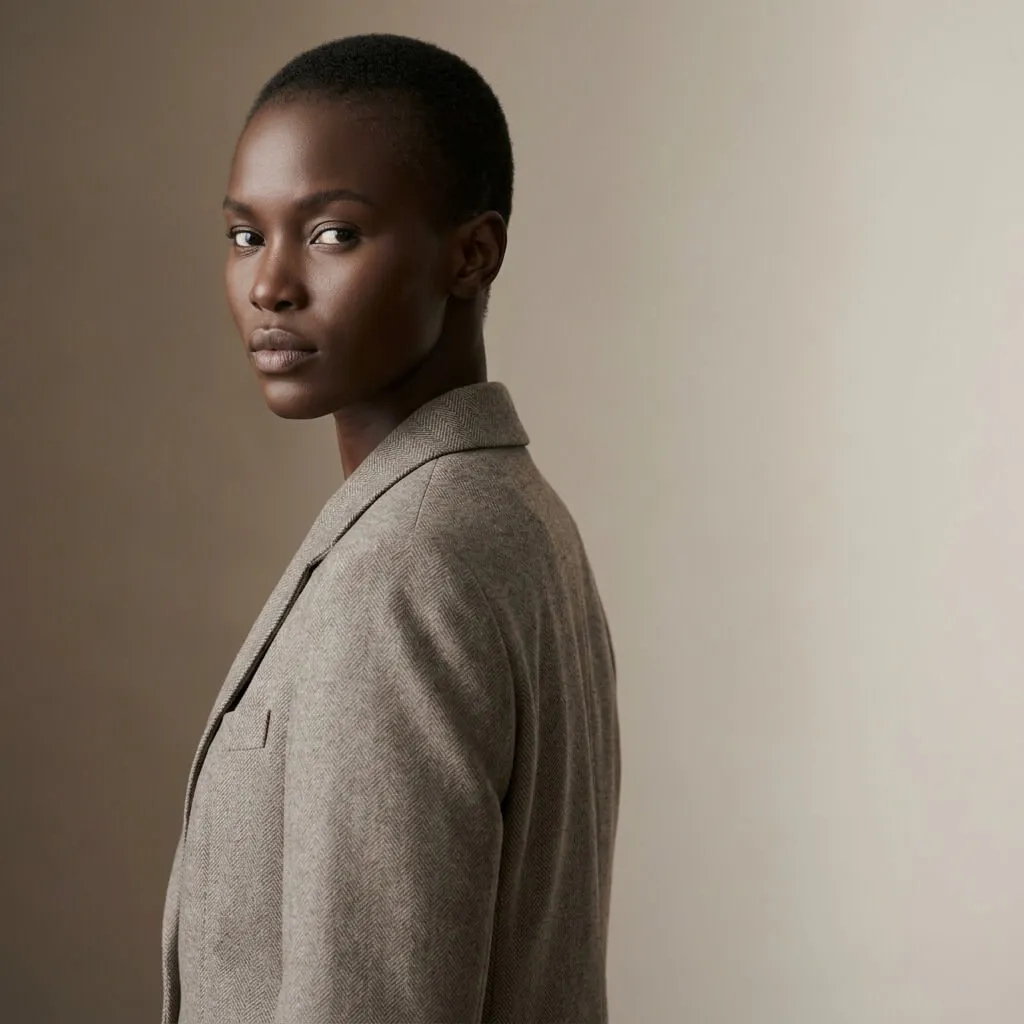
Image generated from the decoded prompt: the same fashion portrait, matched octabox lighting and warm neutralsGenerated from prompt

One decode. First-try match. No prompt guessing.

Image generated from the decoded prompt: the same fashion portrait, matched octabox lighting and warm neutralsOriginal
The same generated portrait with one attribute swapped: identical lighting, a different wardrobeSwap

Then swap one attribute — same light, new wardrobe.

How it works

From reference image to deliverable
in four steps.

01

Analyse any image

Drop in any image. Get a structured breakdown — subject, lighting, composition, palette, medium, mood — not a wall of text.

02

Build the prompt

Toggle attributes like building blocks. Keep the lighting, swap the subject. Export as full text, assembled, or JSON.

03

Generate images

Generate images from that prompt on nine models, or edit an existing shot by feeding it back in as a reference. Pick the right model per job.

04

Crop & organise

Crop to every social post format — Instagram, TikTok, YouTube, LinkedIn — and every Google Ads and IAB ad creative size, in seconds. Tag, favourite and find everything again next month.

Why not just a chat window?

A library beats a chat log.

One-shot generators

  • Prompts guessed, not decoded
  • Every image starts from zero
  • Style lives in your head
  • Results buried in chat history
  • One size, manual resizing after
  • A separate tool for each step

Geno

  • Image analysis into named attributes
  • Prompts as full text, assembled or JSON
  • Image generation on nine models
  • Image editing from reference shots
  • Every social post & ad creative size
  • Tagged, searchable image library
Pricing

One workspace. Credits included.

Starter
$15 / month
  • 100+ Nano Banana 2 images
  • Analysis & history included
  • Every social post & ad format
  • No API key, no setup
Most popular
Pro
$40 / month
  • 300+ Nano Banana 2 images
  • +5% bonus credits
  • Everything in Starter
  • First access to new models
Studio
$90 / month
  • 700+ Nano Banana 2 images
  • +10% bonus credits — best value
  • Everything in Pro
  • First access to new models

All plans start with free trial credits — sign in with Google, no card.

Every plan includes all models — Nano Banana Pro, GPT-5 Image & more.
Image counts shown are for Nano Banana 2.
Try it first — free trial credits, no card.
Top up anytime; annual plans get two months free.

Questions

Everything else, answered.

What is an image to prompt generator?

It reads a picture and writes the prompt that would recreate it — naming the subject, lighting, composition, palette, medium and mood instead of leaving you to guess at adjectives. Geno goes further than a one-shot description: every attribute comes back as a separate field you can toggle, edit and reuse, and you can export the result as full text, an assembled prompt, or JSON.

What is a JSON prompt?

A JSON prompt is the same instruction as a written one, with the parts named. Instead of a paragraph where subject, lighting, lens and palette are tangled into prose, each is its own field. That matters the moment you need a second image to match the first, because you can hold every field constant and change exactly one. Geno returns a JSON prompt from any reference image, alongside the plain-text and assembled forms — one analysis, three presentations, and nothing is regenerated when you switch between them.

How JSON prompts work

Why isn't Geno free, when image to prompt tools are?

Because turning an image into a prompt is one step out of five, and it is the only step those tools do — they hand you a caption and stop. Geno decodes the image into named, editable attributes, gives you the prompt as text, assembled or JSON, generates from it on nine models, crops the result to every social and ad size, and keeps the library tagged and searchable. Generation runs on paid models and every image is stored for you; that is what the subscription pays for. The free trial exists so you can prove the whole chain works on your own style before paying for any of it.

Do you store my images?

Your images and prompts live in your own private, per-user storage. Nobody else — including admins — can read your work.

How do credits work?

Each plan includes a monthly pool of credits that every image generation and analysis draws from. Run out and you can top up anytime; plan credits reset each month, top-ups never expire. Start with free trial credits, no card required.

All questions answered →